


GLTFUtility
Allows you to import and export glTF files during runtime and in editor. glTF is a new opensource 3d model transmission format which supports everything you'll ever need from a format in Unity. Read more about glTF here
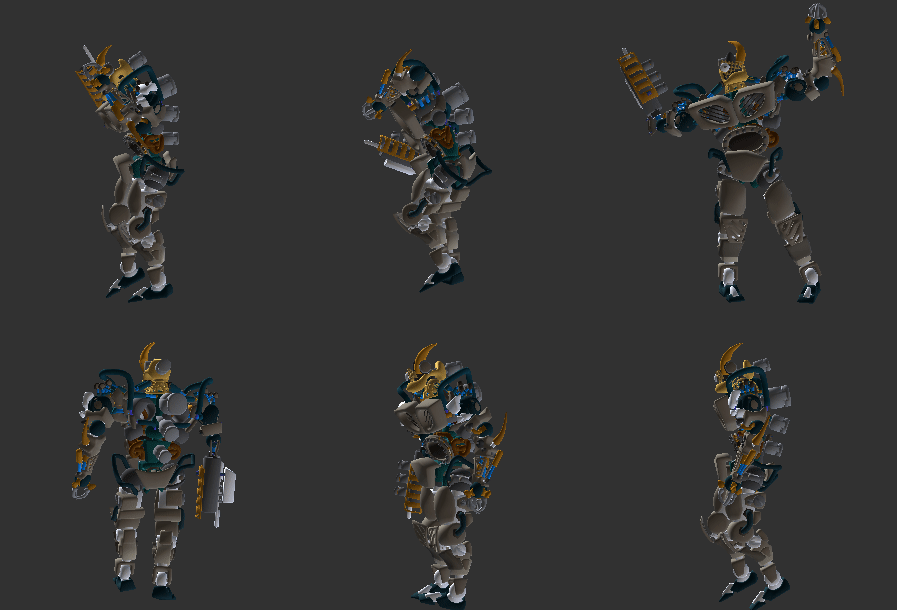
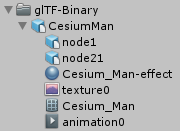
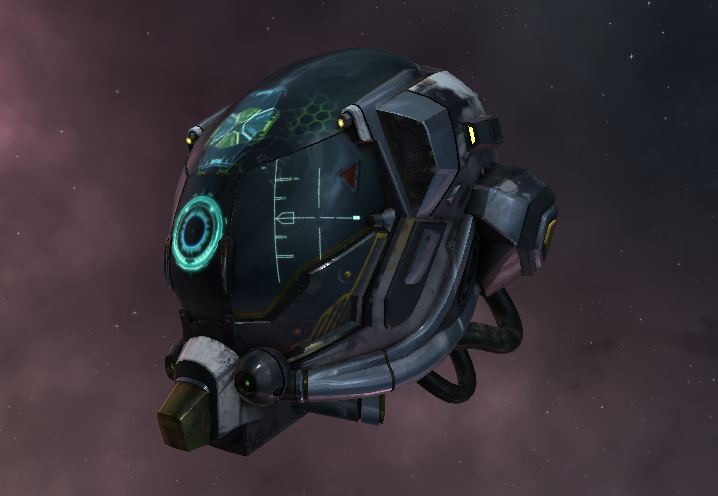
What makes GLTFUtility different?
Focusing on simplicity and ease of use, GLTFUtility aims to be an import-and-forget solution, keeping consistency with built-in functionality.
Installation
Using Unity Package Manager (Help)
-
"com.siccity.gltfutility": "https://github.com/siccity/gltfutility.git"
Using git
Get Newtonsoft.JSON from one of these sources
- Official upm package:
"com.unity.nuget.newtonsoft-json": "2.0.0-preview", - Unofficial git repo: https://github.com/jilleJr/Newtonsoft.Json-for-Unity
Clone GLTFUtility by itself or as a submodule
Clone into your assets folder git clone [email protected]:Siccity/GLTFUtility.git
Add repo as submodule git submodule add [email protected]:Siccity/GLTFUtility.git Assets/Submodules/GLTFUtility
Manual download
Get Newtonsoft.JSON from the asset store
Download GLTFUtility-master.zip and extract to your project assets
Features
System
- Editor import
- Editor export
- Runtime import API
- Runtime export API
- GLTF format
- GLB format
- Multithreading
- URP #75
- HDRP #73
- LWRP
Spec
- Static mesh (with submeshes)
- UVs (up to 8 channels)
- Normals
- Tangents
- Vertex colors
- Materials (metallic/specular, opaque/mask/blend)
- Textures (embedded/external)
- Remote textures (during async only)
- Rig
- Avatar/Mask #70
- Animations (multiple)
- Morph targets (with experimental names)
- Cameras
Extensions
- KHR_texture_transform (partial support)
- KHR_materials_pbrSpecularGlossiness
- KHR_lights_punctual #25
- KHR_draco_mesh_compression #27
- KHR_mesh_quantization
Known issues
ArgumentNullException: Value cannot be nullin build but not in editor.- This is most likely due to shaders being stripped from the build. To fix this, add the GLTFUtility shaders to the Always Included Shaders list in Graphic Settings.
- Draco compression does not work on iOS and UWP
- More info on #133
Runtime import API
// Single thread
using Siccity.GLTFUtility;
void ImportGLTF(string filepath) {
   GameObject result = Importer.LoadFromFile(filepath);
}
// Multithreaded
using Siccity.GLTFUtility;
void ImportGLTFAsync(string filepath) {
   Importer.ImportGLTFAsync(filepath, new ImportSettings(), OnFinishAsync);
}
void OnFinishAsync(GameObject result) {
   Debug.Log("Finished importing " + result.name);
}
Important shader note
To ensure that Unity includes the GLTFUtility shaders in builds, you must add these shaders to the 'Always Included Shaders' list.
- Open Edit -> Project Settings
- Open Graphics
- Scroll to Always Included Shaders
- Under Size, increase the value by 4 and hit Enter.
- In the Project panel, navigate to Packages/GLTFUtility/Materials/Built-in.
- In this directory are 4 .shader files.
- Drag and drop each of the 4 files into one of the 4 newly created rows in Always Included Shaders.